

Description
Download Coolmuster Android SMS Contacts Recovery – Recover Lost Messages & Contacts
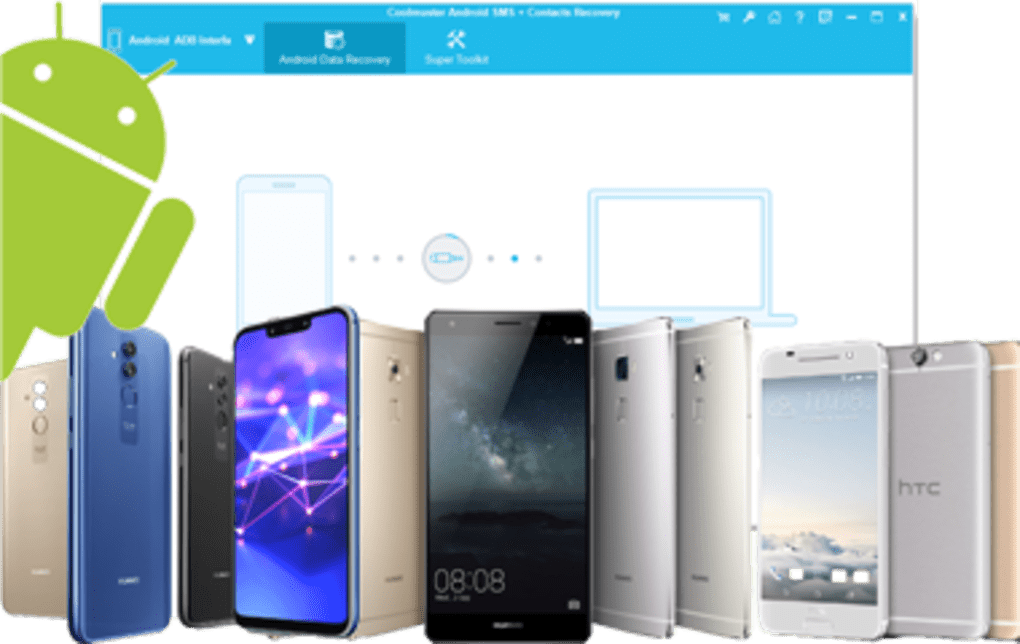
Coolmuster Android SMS Contacts Recovery is a dedicated recovery tool that helps Android users retrieve accidentally deleted or lost contacts and text messages. Whether the data vanished after a factory reset, a software glitch, or an unexpected app removal, this utility scans the internal memory and SD card of compatible Android devices, presenting a clear preview of recoverable items. The interface is designed for both tech‑savvy users and beginners, offering a single‑click scan, selective recovery, and secure export options. With a reputation for high recovery rates and regular updates, Coolmuster Android SMS Contacts Recovery stands out as a reliable solution for anyone who depends on their phone’s address book and conversation history.
Key Features & Compatibility
- Deep Scan Technology: Utilises advanced algorithms to locate fragmented contact entries and SMS fragments that are invisible to the native Android system.
- Selective Recovery: Users can preview each found contact or message and choose exactly what to restore, avoiding unnecessary clutter.
- Multiple Export Formats: Recovered contacts can be saved as VCF, CSV, or directly synced back to the device; SMS messages can be exported as HTML, TXT, or PDF for easy archiving.
- Cross‑Device Support: Works with a wide range of Android versions, from Android 5.0 Lollipop up to the latest Android 14 releases.
- Secure Data Handling: All scanning and recovery processes run locally on the computer; no data is uploaded to the cloud, ensuring privacy.
- User‑Friendly Interface: One‑click scan, clear progress bars, and an intuitive preview pane make the recovery process straightforward.
- Regular Updates: The development team releases frequent updates to keep pace with new Android security patches and file‑system changes.
- Free Trial Version: Allows users to scan and preview recoverable data before purchasing the full license.
Coolmuster Android SMS Contacts Recovery is a Windows‑only desktop application. It supports Windows 10, Windows 11, and Windows 7 (64‑bit). macOS users can run the software via a Windows virtual machine or Boot Camp, but a native macOS version is not currently offered.
Installation & Easy‑to‑Use Recovery Process
Getting started with Coolmuster Android SMS Contacts Recovery is simple and can be completed in a few minutes:
- Download the Installer: Click the “Download” button on the official Coolmuster website. The file is a small executable (<10 MB) that downloads quickly even on slower connections.
- Run the Setup: Double‑click the installer and follow the on‑screen prompts. The wizard asks for a destination folder, creates a desktop shortcut, and installs necessary driver packages that allow your PC to communicate with Android devices in “USB debugging” mode.
- Enable USB Debugging on Your Phone: On the Android device, go to Settings → About phone, tap “Build number” seven times to unlock Developer Options, then return to Settings → Developer options and toggle “USB debugging” on.
- Connect the Device: Use a reliable USB‑C or micro‑USB cable. The software will automatically detect the phone and display its model name in the main window.
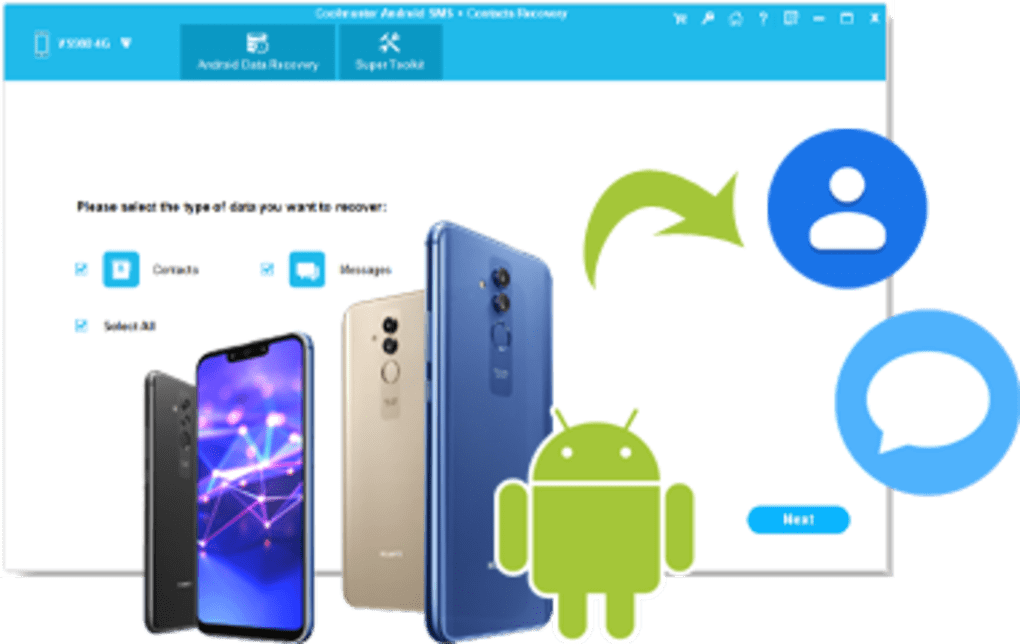
- Select Recovery Mode: Choose “Recover Contacts,” “Recover SMS,” or “Recover Both” depending on your needs. You can also specify whether to scan the internal storage, SD card, or both.
- Start the Scan: Click the “Scan” button. The deep‑scan algorithm examines the file system block by block, which typically takes 5–15 minutes depending on storage size.
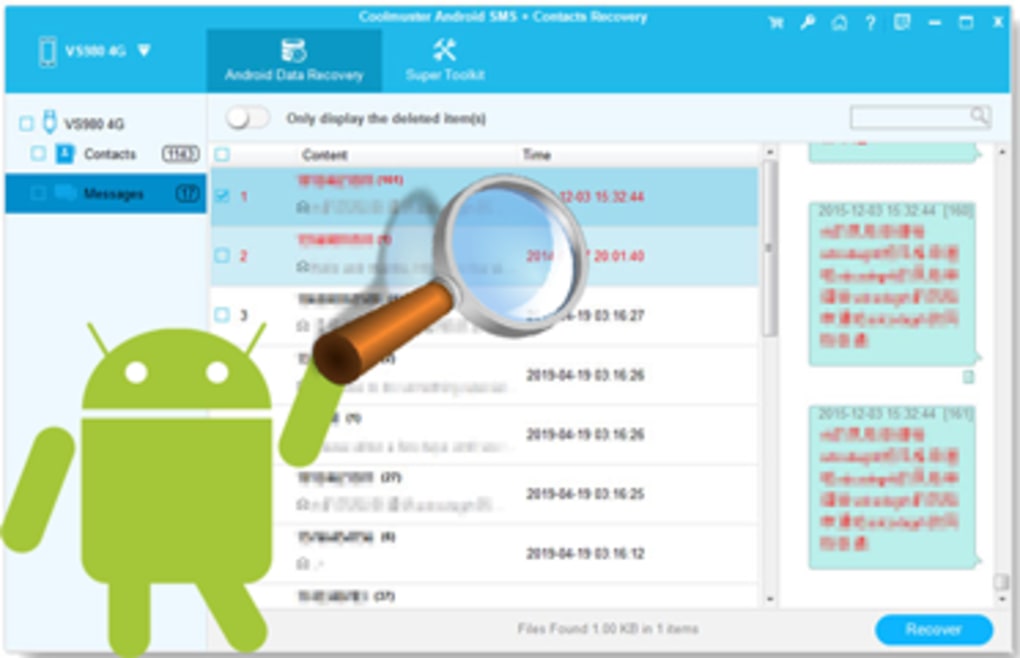
- Preview Results: Once the scan finishes, a list of recoverable contacts and messages appears. Each entry can be expanded to view full details, such as phone numbers, email addresses, or full SMS text.
- Choose Items to Recover: Tick the checkboxes next to the items you wish to restore. You can also use the “Select All” option for bulk recovery.
- Recover & Export: Click “Recover.” The program writes the selected data back to the device or saves it to the chosen export format. For contacts, you can directly import the VCF file into the phone’s address book; for SMS, you can view the exported HTML file or import it into a third‑party messaging app.
- Finish & Verify: Disconnect the phone safely, then open the Contacts and Messages apps on the device to confirm that the recovered items are present and correctly displayed.
This step‑by‑step workflow is deliberately designed to avoid technical jargon, making it accessible for users with limited computer experience while still providing enough control for power users who want to fine‑tune the recovery process.
Pros, Cons, and Frequently Asked Questions
Pros
- High recovery success rate for both contacts and SMS across many Android versions.
- Selective preview prevents unnecessary data restoration.
- Free trial lets users confirm recoverable data before purchasing.
- Secure local processing protects privacy.
- Regular updates keep compatibility with newer Android releases.
Cons
- Only available for Windows; no native macOS or Linux version.
- Requires USB debugging, which some users may find intimidating.
- Large amounts of data may extend scan time on devices with high storage capacity.
Frequently Asked Questions
Can Coolmuster recover contacts that were synced with Google?
Yes. Even if contacts were originally synced with Google, the local copy stored on the device can be recovered. After recovery, you can re‑sync the contacts with your Google account to ensure they appear across all devices.
Is the recovered data safe from corruption?
Coolmuster writes recovered items to a new file or directly to the phone’s database, avoiding overwriting existing data. This approach minimizes the risk of corruption during the recovery process.
Do I need an internet connection to use the software?
No. After the initial download and installation, the application runs entirely offline. An internet connection is only required for checking updates or purchasing a license.
What if the scan doesn’t find any contacts or messages?
If no items appear, verify that USB debugging is enabled, the correct drivers are installed, and the device storage is not encrypted in a way that blocks low‑level access. In most cases, restarting the phone and the PC resolves detection issues.
Can I recover deleted WhatsApp chats with this tool?
Coolmuster Android SMS Contacts Recovery focuses on native SMS/MMS and contacts. For WhatsApp or other third‑party messaging apps, you would need a dedicated WhatsApp recovery solution.
Coolmuster Android SMS Contacts Recovery delivers a solid blend of ease‑of‑use and powerful scanning capabilities. While the Windows‑only limitation may deter some users, the high success rate, secure local processing, and helpful free trial make it a top choice for Android data recovery.
Conclusion – Should You Download Coolmuster Android SMS Contacts Recovery?
If you have ever faced the panic of losing important contacts or cherished text conversations, Coolmuster Android SMS Contacts Recovery provides a dependable, user‑friendly answer. Its deep‑scan engine, selective preview, and multiple export options give you control over exactly what you restore, while the free trial ensures you can assess the recoverable data before any financial commitment. Although the lack of a native macOS version means Windows users have the clear advantage, the overall performance, regular updates, and privacy‑first design make it a worthwhile investment for anyone who relies on their Android device for personal or professional communication. Click the download button below, run the quick installation, and give yourself peace of mind that lost data can be retrieved safely and efficiently.
Guides & Tutorials for Coolmuster Android SMS Contacts Recovery
How to install Coolmuster Android SMS Contacts Recovery
- Click the Preview / Download button above.
- Once redirected, accept the terms and click Install.
- Wait for the Coolmuster Android SMS Contacts Recovery download to finish on your device.
How to use Coolmuster Android SMS Contacts Recovery
This software is primarily used for its core features described above. Open the app after installation to explore its capabilities.
User Reviews for Coolmuster Android SMS Contacts Recovery 0
No reviews found





